Java shader packs
Load OptiFine and Iris packs from a .zip. Open the pause menu, tap Shader Packs, and switch packs or turn them off without leaving your world.
 IriOptic
Download
Minecraft Bedrock on Android
IriOptic runs OptiFine and Iris shader packs in Minecraft Bedrock on your phone. Import a pack, pick it from the pause menu, and play.
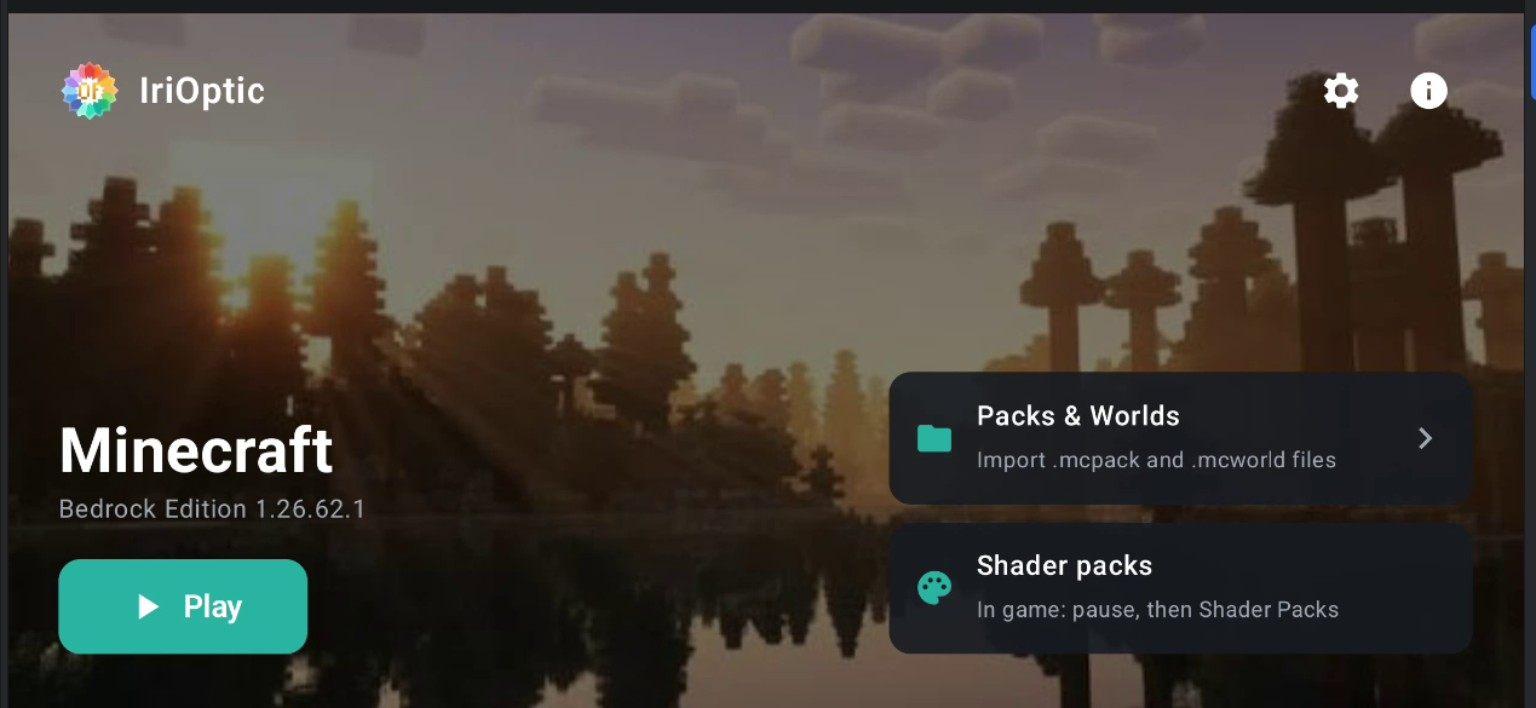
Everything below is in the current build.
Load OptiFine and Iris packs from a .zip. Open the pause menu, tap Shader Packs, and switch packs or turn them off without leaving your world.
Keep more than one Minecraft version and swap between them in the launcher. Needs Minecraft installed from Google Play.
A floating camera button saves the world without the HUD or menus. Photos go to Pictures/IriOptic.
Hold a torch and the area around you lights up.
Ores and mob eyes glow so they stand out in caves and at night.
If a pack crashes the game, IriOptic turns it off next time you open it, so you never get stuck in a crash loop.
One button puts your phone info, settings and logs into a single file you can send us.
Sliders for menu size and button opacity, and a liquid glass look across the launcher.
Import .mcpack and .mcworld files straight from the launcher.
Shaders only load on the versions below. Others are not supported yet.
Pick one. Use the app if you're not sure.
Had an older test build installed? Uninstall it first.
For players who already use LeviLauncher.
Most OptiFine and Iris packs work. Download the pack's .zip from its own page, then import it in IriOptic.
Yes. IriOptic launches the Minecraft already on your phone. The version switcher only works with Minecraft from Google Play.
Tap Report a bug in the launcher and send us the file it makes. If a pack crashed the game, IriOptic turns it off the next time you open it.
Not right now. IriOptic is Android only.
No. IriOptic is an independent project and is not affiliated with Mojang or Microsoft.